StartEase
PTO, time off and timesheets: the basics in plain words
What PTO means, what time off and a timesheet are, and the kinds of leave policy you can set up in StartEase Payroll. Start here.
The three words, in one line each
| Word | What it means | A simple example |
|---|---|---|
| PTO | "Paid time off": days off work that are still paid. | Priya takes Friday off and still gets paid for 8 hours. |
| Time off (leave) | Any time an employee is away from work, paid or unpaid. PTO is one kind of time off. | A vacation day, a sick day, a day for jury duty. |
| Timesheet | A list of the hours an employee worked each day in one pay period. | Mon 8, Tue 9.5, Wed 8 ... total 40 hours. |
Think of it like a school report: the timesheet says when you were in class, and time off says when you were away and why.
What is a time-off policy?
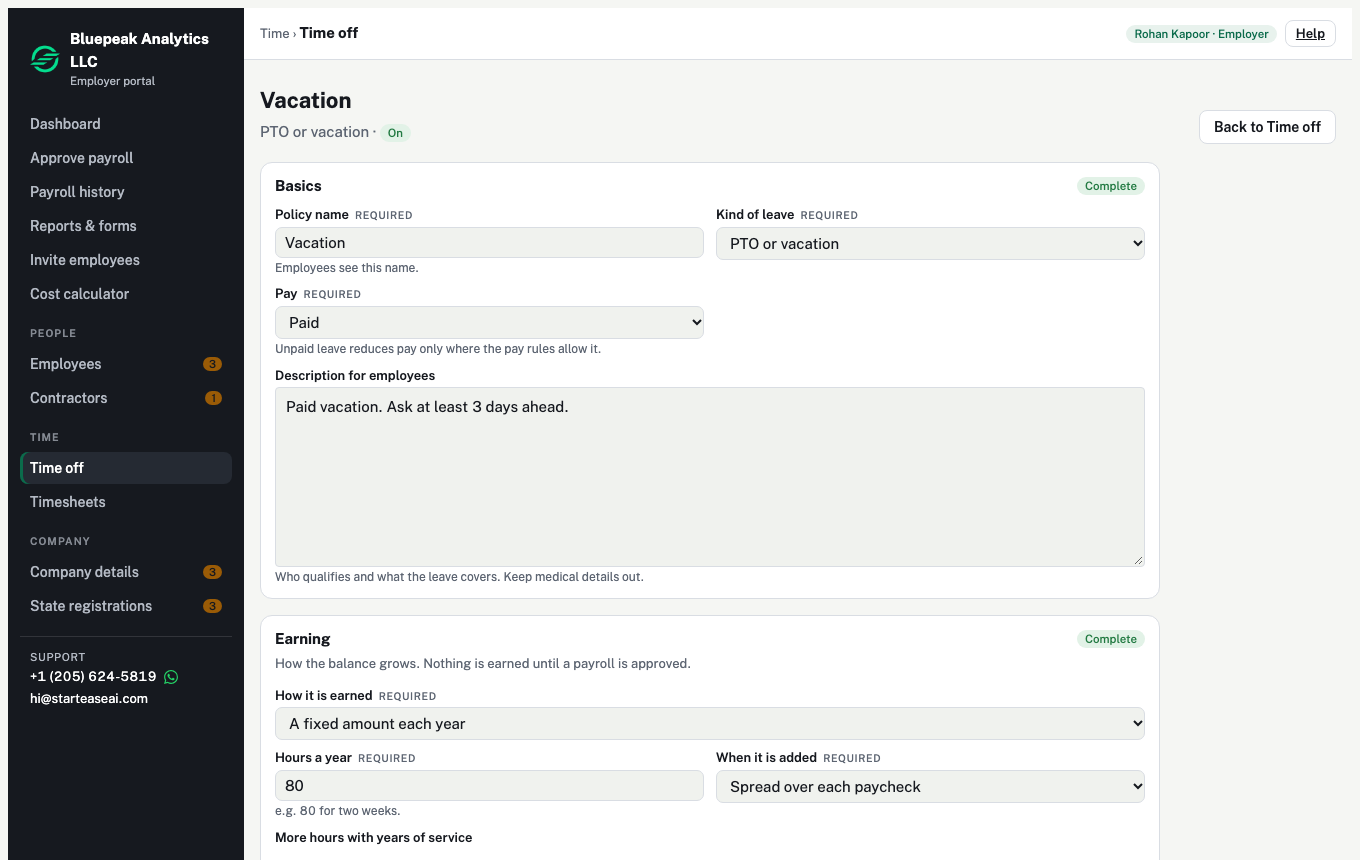
A policy is a rule for one kind of leave. It answers a few simple questions:
- What is it called? For example "Vacation".
- Is it paid? Paid or unpaid.
- How does the balance grow? By hours worked, a fixed amount each year, or unlimited (no balance kept).
- What are the limits? For example the most hours someone can hold, how much carries over to next year, and how many days of notice to give.
- Who does it cover? All employees, or only some.
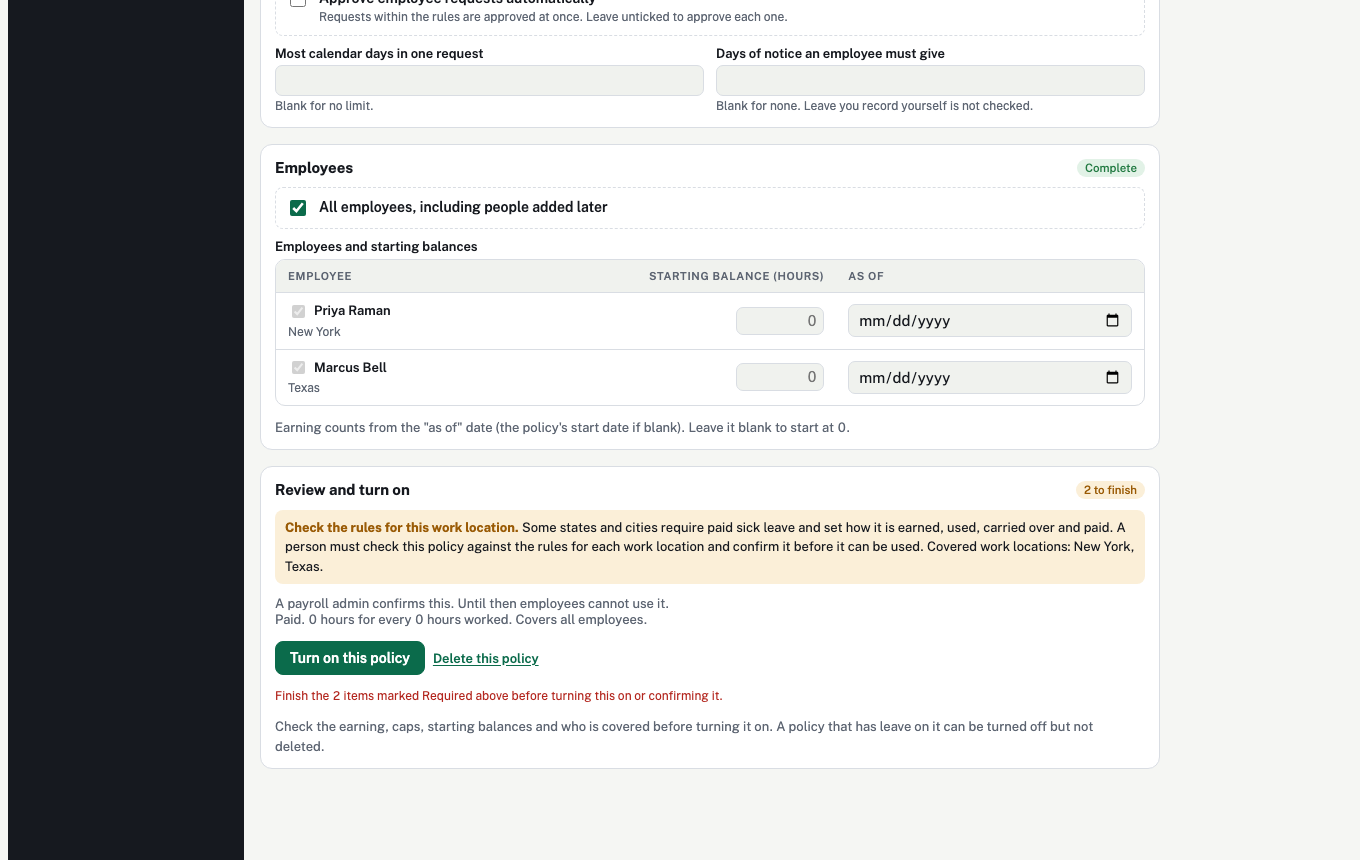
- Who approves? Each request by hand, or approved automatically.
Kinds of leave you can set up
A company picks the policies it wants. StartEase Payroll offers these kinds:
| Kind | What it is for |
|---|---|
| PTO or vacation | Rest and holidays the employee chooses. |
| Sick | When the employee, or someone they care for, is ill. |
| Personal day | A day for anything personal, with no reason needed. |
| Floating holiday | A holiday the employee picks, for example a religious or cultural day. |
| Bereavement | Time after a family member dies. |
| Jury duty | Time spent serving on a jury. |
| Parental | Time after a birth, adoption or foster placement. |
| Volunteer | Time to help a charity or the community. |
| Learning and development | Time for a course, exam or training. |
| Weather or emergency | When the workplace closes, for example for a storm. |
| Custom | Anything else, with your own name. |
Every block, box and dropdown of the policy editor is explained in Time-off policy settings explained.
Separately, company holidays (like New Year's Day) are set once for the whole company on the Time off page. They are not a policy. See Company holidays: how to set them up. The federal holidays you tick move to each new year's dates by themselves, for example Memorial Day is always the last Monday of May. A holiday you add yourself repeats only if you tick Every year; otherwise add next year's date.
Three ways a balance can grow
- By hours worked. For example 1 hour of leave for every 30 hours worked. The more you work, the more you earn.
- A fixed amount each year. For example 80 hours a year. It can be added a little with each paycheck, or all at once on the reset date.
- Unlimited. No balance is kept. Each request is still approved.
Some kinds need an extra check
Some states and cities have their own rules for sick leave, and other kinds (jury duty, parental, weather, custom) can be affected by local rules too. StartEase does not decide these for you. A sick policy shows Check the rules for this work location, and employees cannot use it until a payroll admin has checked it and confirmed it.